Gaming consoles contain sensitive electronic components that need protection from moisture, dust, physical damage, and extreme temperatures. If you're moving, renovating your home, or putting away a collection of older gaming systems, packing everything into an ordinary cardboard box without preparation could leave you with damaged equipment when you're ready to play again.
Knowing how to store a gaming console in a storage unit starts with preparing the equipment and choosing an appropriate environment. At Prime Space Storage, we offer climate-controlled storage options in Irmo, SC, for electronics and other temperature-sensitive belongings that need to remain in storage for several weeks or months.
Prepare Your Gaming Console for Storage
Before gathering packing materials, take some time to prepare your console for an extended period without use. Backing up your data, cleaning the equipment, and disconnecting accessories are easier to do at home than after everything has been packed.
Back Up Saved Games and Important Data
Your gaming console holds more than installed games. Saved progress, screenshots, video recordings, and personal settings could be difficult or impossible to recover if its internal storage becomes damaged. Depending on your console, you can back up certain data through a cloud service or an external storage device. For example, PS5 owners can use a USB drive to preserve their information. Backup options vary between systems, so check which files your particular console supports. Keep physical backup drives somewhere separate from the console. If you store the backup alongside the original equipment, both could be affected by the same incident.
Remove Games and Disconnect Accessories
Eject any physical game discs or cartridges before turning off the console. Shut the system down completely rather than leaving it in sleep or standby mode, and wait for the shutdown process to finish before disconnecting the power cable.
Remove external hard drives, HDMI cables, charging stations, and other connected accessories. If your console has a detachable stand, follow its manufacturer's instructions for removing it. Keep any screws or mounting hardware in a labeled bag so they don't disappear among your other belongings. Taking a photograph of the cable connections before disconnecting everything is also useful, particularly if your gaming system shares a television or sound system with other devices.
Clean the Console Before Packing
Dust collects around ventilation openings, ports, and the exterior casing of gaming consoles. Leaving these areas dirty before storage means the equipment will need cleaning before you can safely use it again.
Once the console is unplugged and has cooled, wipe the exterior with a soft, dry microfiber cloth. Follow the cleaning instructions for your specific model when dealing with ventilation openings or accumulated dust. Avoid spraying cleaning solutions directly onto the equipment or inserting objects into its ports. Don't dismantle the console's internal components simply to prepare it for storage. Routine exterior cleaning is sufficient for most systems that are otherwise in good working condition.
Choose the Right Packing Materials
Original packaging is particularly useful for gaming consoles because its protective inserts are shaped around the equipment. These inserts restrict movement inside the box and protect vulnerable areas without placing unnecessary pressure on buttons or connectors. If you've already discarded the original packaging, you can create a suitable alternative with the following materials:
- Sturdy cardboard boxes sized appropriately for each console.
- Anti-static bubble wrap or protective foam designed for electronics.
- Packing paper or foam inserts to fill empty spaces.
- Resealable bags for cables and small accessories.
- Microfiber cloths or protective sleeves for screens.
- Packing tape and labels to identify each box.
Avoid oversized boxes that require excessive filler. The console should fit comfortably with protective material on all sides, but it shouldn't shift when the box is lifted or carried.
How to Pack a Gaming Console for Storage
Wrap the clean, dry console in anti-static protective material. Pay particular attention to corners, exposed connectors, and any protruding sections of the casing. Never apply packing tape directly to the equipment, as adhesive residue can be difficult to remove without damaging its finish. Place a layer of cushioning at the bottom of the box before setting the console inside. Fill the remaining gaps with packing material and add protection above the console before closing the box. The equipment should remain stable without being compressed by excessive padding.
If you're storing several gaming systems, pack each console individually. Even relatively lightweight devices can scratch or damage one another if they share a box without adequate separation. Individual packaging also makes it easier to retrieve a particular system without unpacking your entire collection. Label the outside with the console's name, its contents, and a fragile designation. Keep a record of serial numbers and photographs of valuable or collectible equipment separately.
How to Store Controllers and Gaming Accessories
Accessories have their own storage requirements. Controllers contain sensitive buttons and analog sticks, while headsets, charging equipment, and cables can become damaged if they're compressed or tangled.
Controllers and Batteries
Remove disposable or removable batteries from wireless controllers before long-term storage. Batteries that leak while equipment is packed away can damage electrical contacts and surrounding components. For controllers with built-in rechargeable batteries, consult the manufacturer's long-term storage instructions regarding charge levels and maintenance. Battery requirements differ between devices, so avoid assuming that fully charging or completely draining every controller is the right approach.
Wrap controllers individually or place them in protective cases. Don't position them with their analog sticks pressed against the bottom of a box, and avoid placing heavy accessories directly on top of them.
Cables and Charging Equipment
Loosely coil power cords, HDMI cables, and charging cables along their natural curves. Secure each coil with a reusable cable tie rather than bending it sharply or wrapping it tightly around a power adapter. Label proprietary cables with the system they belong to. This is especially useful when storing older consoles, since visually similar power supplies aren't necessarily interchangeable. Keep each console's accessories together in a separate pouch or compartment within its box.
Headsets and Handheld Gaming Devices
Gaming headsets should be packed without excessive pressure on the headband or microphone. Use a protective case when possible, and make sure the ear cushions are clean and dry before putting them away.
Handheld gaming systems need extra protection around their screens, buttons, and charging ports. A fitted carrying case offers a useful first layer of protection, but the device should still be placed inside a properly cushioned box for transportation and storage.
Protect Physical Games and Gaming Collectibles
Game discs, cartridges, instruction manuals, and original packaging deserve careful treatment, particularly if you're storing a collection that includes older or discontinued titles. Keep discs inside their individual cases rather than stacking them together without protection. Handle them by their edges and clean dirty discs with a soft cloth, wiping outward from the center. Game cartridges should also remain in their original cases or suitable protective containers whenever possible.
Store boxed games upright without packing them so tightly that their cases bend. Original cardboard packaging and printed manuals should remain dry and protected from direct sunlight. If these materials form part of a collectible set, avoid attaching labels or adhesive tape directly to them.
Is Climate-Controlled Storage Necessary for Gaming Consoles?
Climate-controlled storage is preferable for gaming consoles because electronic equipment is sensitive to excessive heat, moisture, and changing environmental conditions. The protective casing around a console doesn't make its internal components immune to humidity or condensation. Moisture exposure can contribute to corrosion on electrical contacts and internal circuitry. Condensation is another concern, particularly when equipment moves from a cold environment into a warmer room. Moisture can form inside the console even when its exterior appears dry.
At our facility at 7949 Broad River Road in Irmo, we offer ground-floor, climate-controlled units for belongings that benefit from a more consistent indoor environment. This is particularly useful for gaming collections that will remain packed away through several seasons. Climate control remains relevant during the cooler months, too. Our article about the importance of climate-controlled storage during winter in Irmo explains why lower outdoor temperatures don't eliminate the need to protect sensitive belongings from environmental fluctuations.
How to Arrange Gaming Equipment Inside a Storage Unit
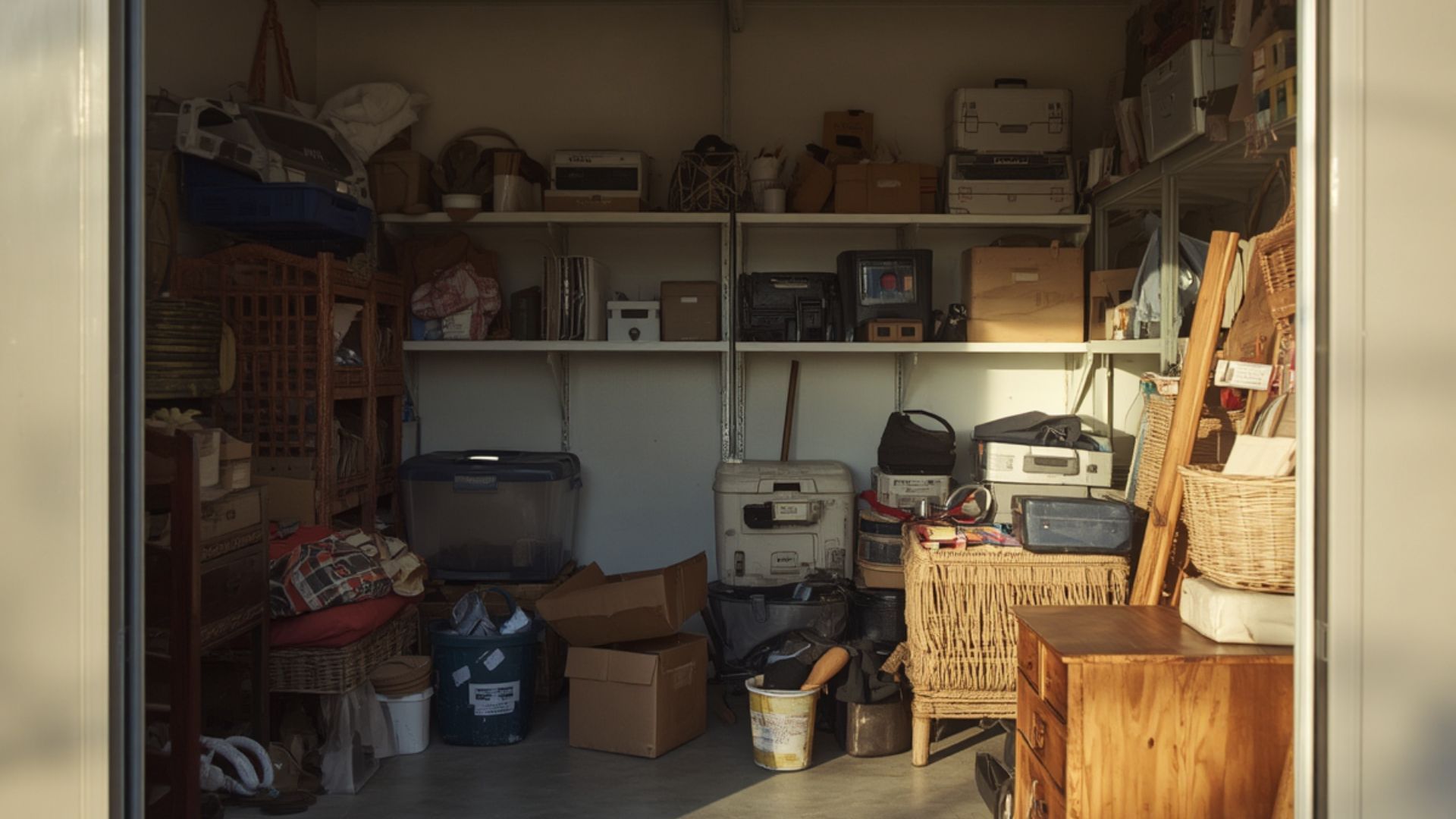
Keep boxes containing electronics on sturdy shelving or another stable, raised surface rather than directly on the floor. This reduces exposure to dirt and accidental contact with moisture while keeping fragile equipment away from heavy furniture and other belongings. Avoid building tall stacks of boxes above gaming consoles. Cardboard can gradually deform under sustained weight, and pressure transferred through the packaging could damage the equipment inside. Place heavier belongings on lower shelves and reserve stable upper shelves for lighter, fragile items.
If you expect to retrieve certain games or accessories before the rest of your collection, arrange those boxes near an accessible aisle. Keep labels facing outward so you can identify their contents without moving or opening other containers. For larger collections that include televisions, monitors, computers, and sound systems, our guide to storing different types of electronics covers the packing requirements for equipment beyond gaming consoles.
What Size Storage Unit Do You Need for Gaming Consoles?
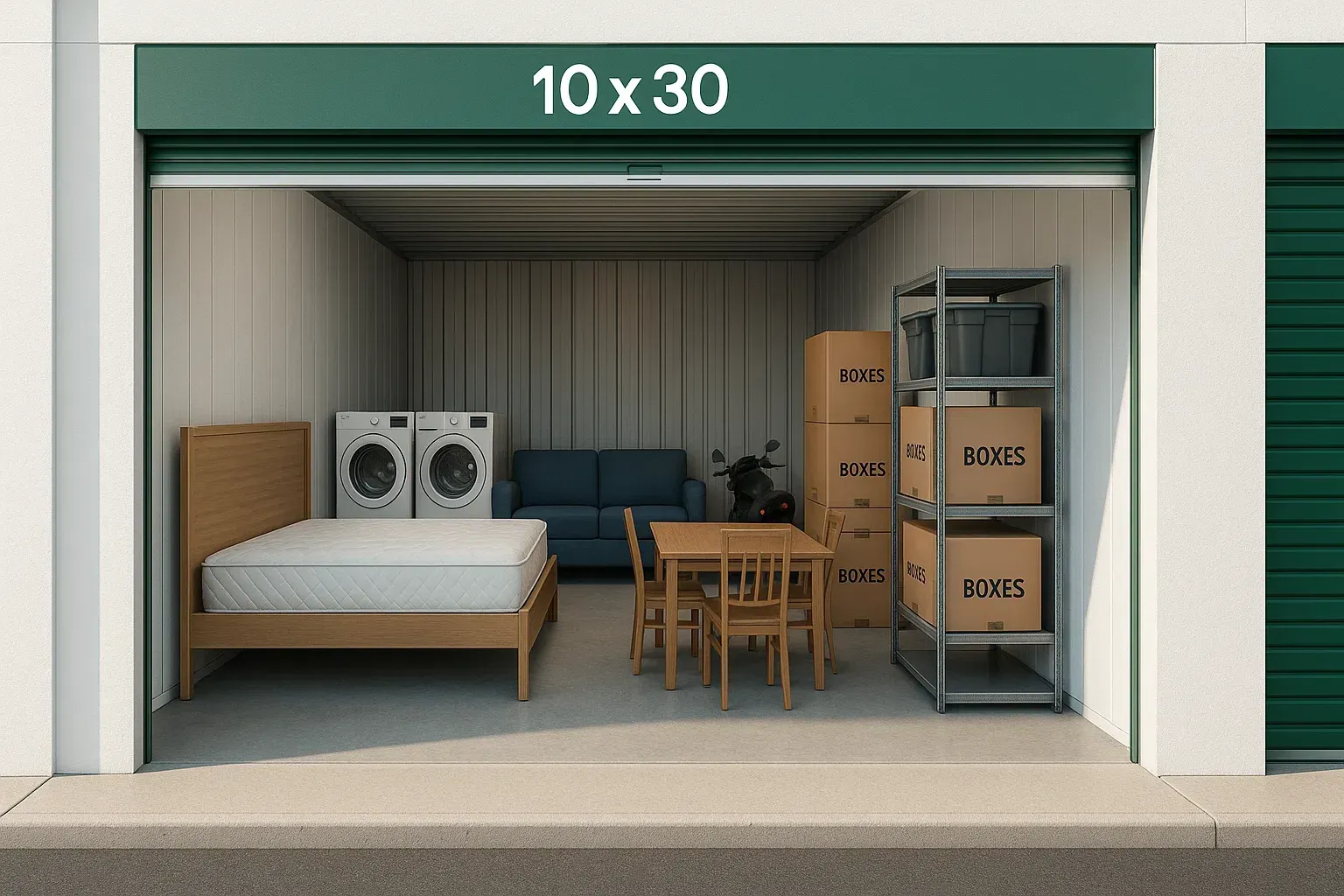
A few gaming consoles won't require much floor space on their own. The appropriate unit size depends on what else you intend to store and how much room you need to access individual boxes. Our 5x5 climate-controlled units provide 25 square feet of floor space. This size is worth considering for a collection of gaming systems, boxed games, accessories, and other small household electronics. Freestanding shelving can help you use the available vertical space without stacking fragile boxes directly on one another.
A 5x10 unit provides 50 square feet of floor space and offers additional room for larger entertainment equipment, such as a television, gaming desk, or media cabinet. If you're packing an entire gaming room alongside furniture from other parts of your home, one of our 10x10 units may be more appropriate. Our regular facility access hours are from 6 a.m. to 10 p.m. daily, so you can retrieve equipment from your unit throughout the week, including weekends.
How Long Can You Keep a Gaming Console in Storage?
Gaming consoles can remain in storage for months or longer, but there isn't a universal storage duration that applies to every system. The condition of the equipment, its battery configuration, packaging, and surrounding environment all influence how well it holds up. Older systems that use internal batteries for saved data or clock functions may need specialized maintenance. If you're storing vintage gaming equipment, review the requirements for each model before packing it away indefinitely.
For extended storage, periodically inspect the boxes for signs of moisture, damaged packaging, or excessive compression. Follow the manufacturer's maintenance schedule for rechargeable devices rather than assuming they can remain untouched for years.
What to Do Before Using a Gaming Console Again
Don't reconnect your gaming system immediately after retrieving it from storage, particularly if it has experienced a significant temperature change during transportation. Unpack the console in a dry indoor room and allow it to adjust to room temperature. If you suspect condensation has formed inside the equipment, leave it unplugged until the moisture has completely evaporated. This can take several hours.
Inspect cables for damaged insulation, check battery compartments for leakage, and remove any dust that has accumulated around ventilation openings. Reconnect the appropriate accessories and confirm that the console has sufficient ventilation before powering it on. If the system shows signs of corrosion, liquid damage, or battery swelling, don't attempt to operate it until it has been inspected by a qualified repair professional.
Make Room for Your Gaming Collection Without Giving It Up
You don't necessarily need to sell older consoles or part with a collection of physical games simply because you're running out of room at home. A properly packed collection can occupy relatively little space, especially when consoles and accessories are organized on shelving.
At Prime Space Storage, our climate-controlled units on Broad River Road accommodate everything from boxed electronics to complete home entertainment setups. You can
explore storage options from Prime Space Storage to compare unit dimensions and current availability based on the equipment and furniture you plan to put away.