Computers, televisions, gaming systems, speakers, cameras, and other electronics can take up a surprising amount of room when they are not being used. Yet putting them in the nearest empty closet, garage corner, or spare box is not always a good solution. Electronic devices contain circuit boards, wiring, screens, batteries, connectors, and other components that deserve more thoughtful protection than many ordinary household belongings.
The good news is that there are several ways to approach electronic storage, depending on what you own, how long it will be put away, and how frequently you expect to need it. For residents comparing storage options in Irmo, we at Prime Space Storage offer climate-controlled units that provide a more stable indoor environment for belongings that can be sensitive to changing conditions. Our Broad River Road facility also offers individual code access, video surveillance, ground-floor unit options, and multiple unit sizes, making it possible to create a storage setup that fits anything from a few boxes of home electronics to larger collections of equipment.
Key Points for Readers Short on Time
- Climate-controlled storage is generally the strongest choice for sensitive electronics because a more stable environment helps limit the environmental fluctuations that can affect components over time.
- Original packaging is useful when available, but sturdy boxes, anti-static materials, cushioning, and careful labeling can create an effective alternative.
- Computers, televisions, monitors, gaming systems, audio equipment, cameras, and small appliances have different packing needs, so they should not all be treated exactly alike.
- Electronics should be clean, dry, backed up when applicable, and prepared before being placed into a storage unit.
- Placement matters after packing. Shelving, raised boxes, careful stacking, and accessible organization can provide additional protection and make retrieval easier.
Why Electronics Require a Different Storage Strategy
A box of books and a box containing a computer may occupy roughly the same amount of space, but they do not respond to storage conditions in the same way. Electronics combine multiple materials and delicate components within a relatively small enclosure. Screens can crack under pressure, cables can become damaged when sharply bent, and internal components can be affected by dust, moisture, and environmental changes. Environmental stability is an important consideration for sensitive materials in general. The National Park Service emphasizes consistency in temperature and relative humidity when discussing preservation environments, noting that minimizing fluctuations is an important part of protecting stored materials. Although household electronics are not archival records, the same basic principle helps explain why a stable storage environment can be preferable to a space experiencing frequent environmental swings.
This distinction becomes particularly useful when deciding where electronics belong. A spare room may work for a handful of devices, while a dedicated storage unit can make more sense when you have televisions, computers, stereo equipment, gaming systems, monitors, cables, accessories, and other equipment competing for usable space at home.
Option 1: Climate-Controlled Storage for Sensitive Electronics
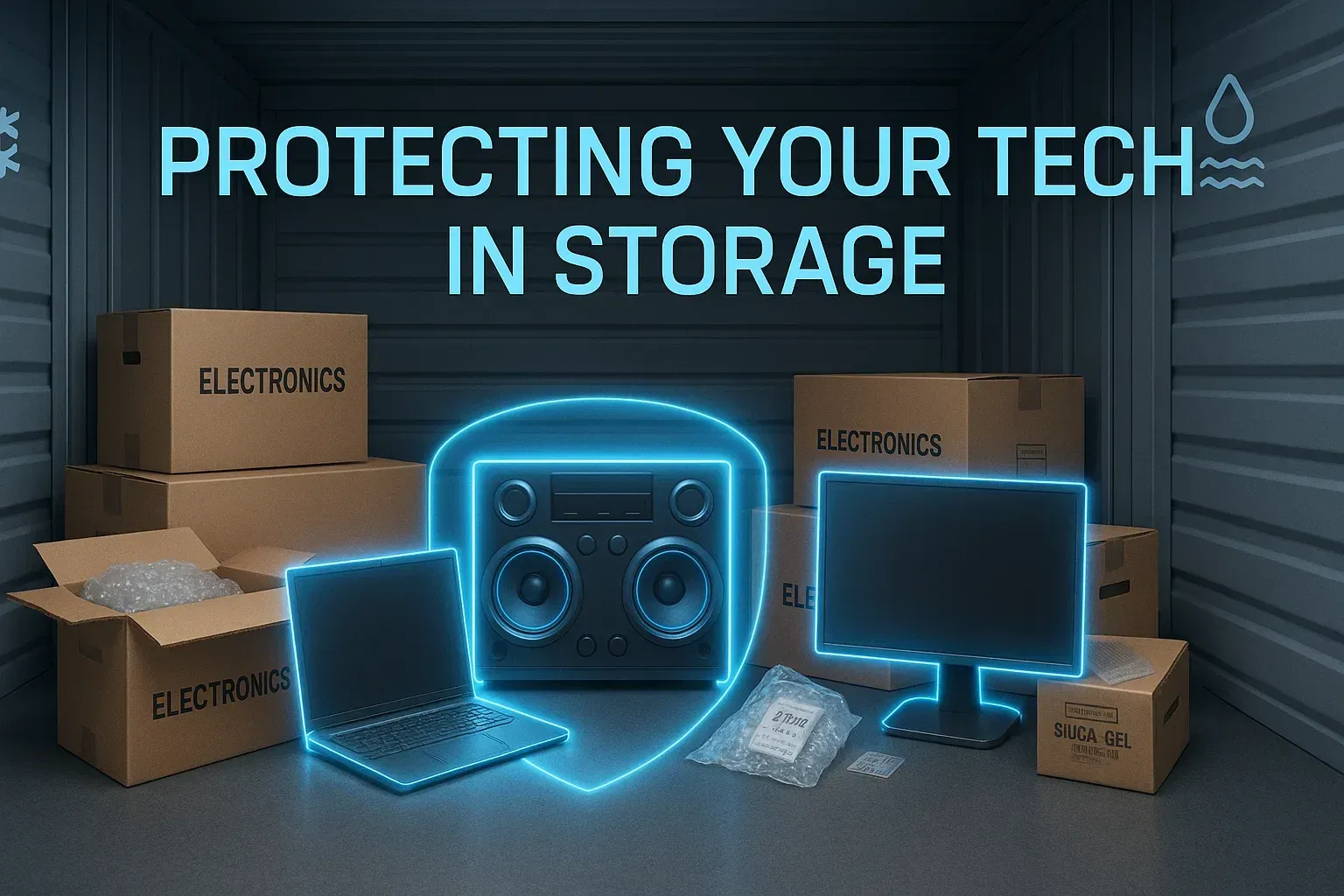
For many electronics, climate-controlled storage is the option we would prioritize. Instead of focusing solely on the amount of square footage available, this approach considers the environment surrounding your belongings. At Prime Space Storage, our Irmo facility offers climate-controlled storage units intended for temperature- and humidity-sensitive belongings, including electronics. Climate control does not eliminate the need to pack devices correctly. It works alongside good preparation. A television still needs protection around its screen, a computer still benefits from anti-static packaging, and cameras should still be clean and dry before they are boxed. The advantage is that those preparation steps are supported by a more consistent indoor storage environment.
This can be particularly valuable when electronics will remain stored for several months or when you are dealing with expensive or difficult-to-replace equipment. Gaming PCs, home theater equipment, musical electronics, monitors, professional cameras, sound systems, and older devices with sentimental value are examples where careful environmental protection may be worth prioritizing. Our existing guide to storing electronics safely in a storage unit goes deeper into preparation techniques, including cleaning devices, backing up important files, removing appropriate batteries, using protective packing materials, and keeping electronics elevated inside the unit. Those details become especially useful once you have decided which type of storage environment makes sense.
Option 2: Original Packaging for Individual Devices
Sometimes the best storage option is not another type of storage unit but a better container inside the unit. If you still have the box and fitted inserts that came with a television, monitor, computer, gaming console, speaker, or other electronic device, those materials can be extremely useful. Original packaging was designed around the dimensions and shape of that particular product. Molded foam inserts can reduce movement while leaving vulnerable areas protected, and the correctly sized box avoids excessive space. This is especially helpful with televisions and monitors, where pressure against the screen can cause serious damage.
Before reusing an original box, inspect it carefully. A box that has become soft, crushed, dirty, or structurally weak may no longer offer much protection. Likewise, old packaging should be completely dry and free from pests or debris before a valuable device goes inside. Do not worry if the original packaging disappeared years ago. A sturdy replacement box combined with suitable cushioning can still work well. The goal is to prevent the device from shifting while avoiding excessive pressure on screens, buttons, ports, and other vulnerable areas.
Option 3: Anti-Static Protection for Computers and Components
Desktop computers, graphics cards, internal drives, circuit boards, and similar components deserve another layer of consideration: static electricity. Standard plastic materials are not automatically appropriate for sensitive electronic components, which is why anti-static bags are commonly used when handling and storing computer hardware. Before packing a desktop computer, shut it down properly, disconnect everything, and give it time to cool. Dust should be removed carefully from accessible exterior areas and vents. If you are comfortable working with computer hardware, particularly heavy internal components may need additional support before transportation. When in doubt, the manufacturer’s instructions should take priority.
Cables and accessories should also have their own organization system. Instead of throwing every cord into one large container, label cables according to the device they belong to. A simple tag such as “office monitor,” “living room TV,” or “gaming PC” can save considerable frustration later. Photographing the connections on more complicated setups before disconnecting them can also be helpful. Months later, you will have a visual reference showing which cable belonged where rather than having to reconstruct the entire setup from memory.
Option 4: Upright Storage for Televisions and Monitors
Large screens deserve their own storage plan because their size makes them particularly vulnerable to physical damage. A television should generally remain upright rather than being laid flat beneath other belongings. Even when a screen is protected with cushioning, placing heavy boxes on top can introduce unnecessary pressure. Use a properly sized television or monitor box whenever possible. Protect the screen with suitable nonabrasive material, cushion empty spaces, and make sure the device cannot move freely inside the carton. Clearly label the container so anyone rearranging the unit knows that it contains a fragile screen.
Inside the storage unit, position televisions and monitors where other items are unlikely to fall against them. Avoid using their boxes as structural supports for stacks of heavier belongings. Leaving a little breathing room around fragile electronics also makes it easier to retrieve another item without accidentally knocking into them. This is where storage organization becomes just as important as packing. The safest box in the world cannot do its job well if it is buried beneath furniture or squeezed between heavy objects.
Option 5: Shelving for Smaller Electronics
Shelving can transform a storage unit containing numerous small electronics from a collection of boxes into an organized equipment area. Routers, speakers, gaming consoles, cameras, keyboards, small monitors, printers, and accessory boxes are easier to manage when they are arranged logically rather than stacked from floor to ceiling.
Keeping boxes elevated is also a useful precaution. The
Library of Congress advises against keeping valuable audiovisual materials in spaces with poor environmental control and notes that containers alone do not protect sensitive materials from environmental extremes. Its preservation guidance reinforces an important principle for everyday storage: packaging and environment should work together rather than being treated as substitutes for one another. When using shelves, place heavier electronics lower and lighter items higher. This creates a more stable setup and reduces the distance a heavier device could fall. Frequently needed items can stay near the front, while equipment intended for long-term storage can be positioned farther back.
What Electronics Can Go Into a Storage Unit?
The category is broader than computers and televisions. Households accumulate electronics in almost every room, and many of those devices are only needed occasionally. A well-organized unit can accommodate equipment such as:
- Desktop computers, laptops, monitors, printers, scanners, gaming consoles, televisions, speakers, stereo components, cameras, projectors, keyboards, routers, and various electronic accessories.
- Seasonal or occasional equipment such as home theater components, DJ equipment, electronic musical gear, older gaming systems, backup office equipment, and devices kept for future use.
Before storing any device, however, check the manufacturer’s recommendations. Certain products may contain batteries or components requiring specific handling. Storage facility rules also matter, particularly for prohibited materials and potentially hazardous items.
Batteries Need Their Own Plan
One of the easiest mistakes to make is leaving disposable batteries inside electronics for months. Battery leakage can damage contacts and internal components, potentially turning an otherwise functional device into an expensive repair project. When manufacturer instructions allow it, remove replaceable batteries from remote controls, flashlights, cameras, toys, controllers, and other electronics before storage. Keep removed batteries organized separately and follow manufacturer guidance regarding appropriate storage and disposal.
Devices with built-in rechargeable batteries require a different approach. You should not attempt to dismantle a device simply to remove a battery that was not designed for user removal. Instead, consult the product manufacturer for recommendations on charge level and long-term storage. This is an important example of why “electronics” should not be treated as one uniform category. A television, laptop, camera, and vintage stereo may all end up in the same storage unit, but their preparation requirements can be quite different.
Back Up Your Data Before the Device Goes Into Storage
Physical protection is only half the story when a device contains important information. A computer can be replaced. Family photos, business documents, creative projects, financial records, or years of personal files may be much harder to reconstruct. Back up important information before packing a computer, external drive, phone, tablet, or other data-bearing device. Ideally, important files should exist in more than one location. A separate external drive can provide one backup, while an appropriate cloud-based service may provide another.
You can treat cloud storage as a secondary backup rather than relying on a single storage location for personal digital archives. That principle is useful even when your collection is much smaller: do not let one physical device become the only home for something irreplaceable. Once your backup is complete, label the device and record enough identifying information to know what was stored. For a larger electronics collection, an inventory can include the device name, model, serial number, box number, and a photograph.
Do Not Pack Electronics While They Are Dirty
Electronics often collect more dust than we realize. Computer fans, television vents, speakers, game consoles, and receivers can gradually accumulate debris, particularly after years of regular use. Clean devices according to manufacturer recommendations before packing them. A soft microfiber cloth can be appropriate for many exterior surfaces, while screens may require manufacturer-approved cleaning methods. Avoid introducing liquids into openings or using a cleaning product simply because it works on ordinary household surfaces.
After cleaning, make sure everything is completely dry before packing. Trapping moisture inside a closed container works against the protection you are trying to create. The same preparation mindset applies to larger household equipment. For example, our guide to properly storing a washing machine explains why cleaning, drying, protecting components, and preparing an item before storage matter just as much as deciding where to put it. Electronics may require different steps, but the underlying idea is similar: storage protection begins before an item enters the unit.
Give Electronics Room Inside the Storage Unit
Maximizing every cubic inch of a storage unit may sound efficient, but extremely tight packing can make fragile electronics difficult to protect and retrieve. If a television is wedged behind a dresser or a computer box sits beneath a tower of household belongings, getting to it later can become a risky process. Instead, think in zones. Electronics can occupy one section of the unit, household goods another, and large furniture another. Leave a usable path when the unit size permits. Shelves can make smaller electronics easier to see without taking over the floor.
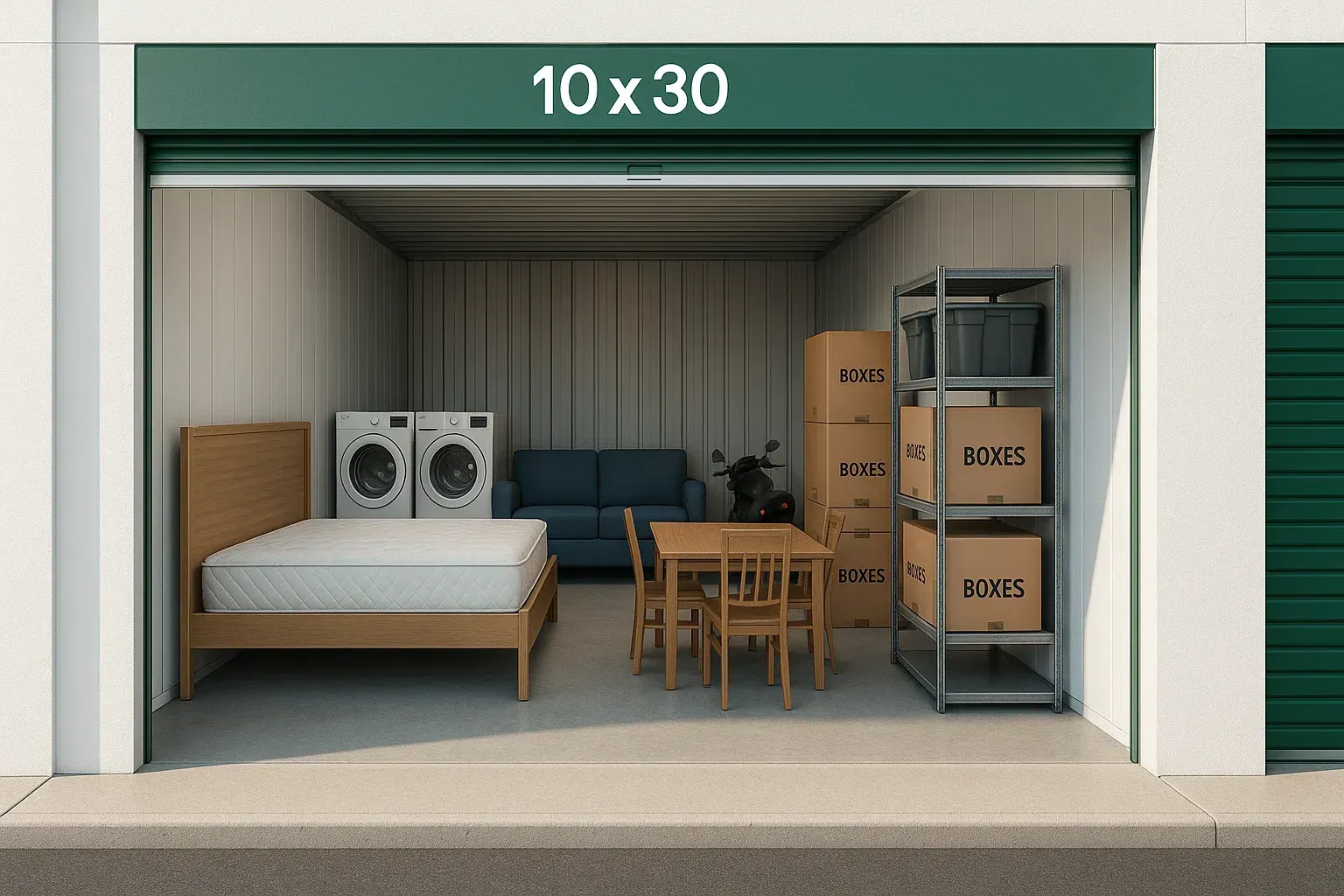
Prime Space Storage offers multiple unit sizes at our Irmo location, including smaller spaces such as 5x5 and 5x10 units as well as larger configurations. This range can be useful because the right amount of space depends heavily on whether electronics are being stored alone or alongside furniture, appliances, boxes, and other household belongings. Choosing enough room for sensible organization is usually better than creating a tightly packed puzzle that has to be dismantled whenever you need one particular device.
Electronics Storage for Irmo’s Active Households
Storage decisions also reflect how people use their homes and free time. Irmo sits close to Lake Murray and a variety of outdoor recreation areas, giving residents plenty of reasons to accumulate equipment for activities beyond the home. Lake Murray Country highlights boating, fishing, swimming, kayaking, nature watching, community events, and local parks among the recreational opportunities available around Irmo. Moore Park, for example, includes walking trails, playgrounds, picnic areas, and the Prisma Health Amphitheater, while the Irmo side of Lake Murray Public Park provides a boat launch, fishing docks, picnic facilities, and restrooms. That active local lifestyle can mean garages and spare rooms have to accommodate recreational gear alongside ordinary household possessions.
Creating dedicated storage space for electronics that are not currently needed can help separate delicate indoor equipment from fishing gear, outdoor supplies, sporting equipment, and other belongings that frequently move in and out of the home. Instead of placing a boxed computer behind lake gear or balancing an unused monitor above equipment in the garage, sensitive devices can have their own organized area.
Short Term and Long Term Electronics Storage Are Different
If a device will be stored for a few weeks, your priorities may center on preventing physical damage and keeping everything organized. For storage lasting several months or longer, environmental stability, battery preparation, data backups, packaging materials, and accessibility become increasingly important. Long-term storage is also a good reason to document what you have. Keep photographs and serial numbers for valuable devices and review your insurance coverage before storing expensive equipment. Coverage terms vary, so avoid assumptions about what a homeowners, renters, or separate storage policy protects.
For equipment you expect to retrieve periodically, place it close enough to the front that you do not have to move half of the unit to reach it. Electronics intended to remain untouched for longer can sit farther back, provided they remain properly protected and are not supporting heavy stacks.
Common Electronics Storage Mistakes to Avoid
A surprising number of problems come from ordinary packing decisions rather than the storage unit itself. Using an oversized box with little cushioning allows a device to shift during transportation. Packing cables while they are still attached can place stress on ports. Leaving batteries inside compatible devices can introduce leakage risks. Placing heavy boxes on top of a monitor creates unnecessary pressure. Another mistake is assuming that a plastic container solves every environmental concern. Containers are valuable for controlling dust and protecting belongings from incidental contact, but they do not replace an appropriate storage environment.
Finally, avoid storing electronics without an inventory. Even a simple list on your phone can tell you which box contains the router, which carton holds the gaming system, and where the television accessories went. Good organization protects your time as much as good packing protects the equipment.
Which Storage Option Is Right for Your Electronics?
There is no single container or packing technique that works equally well for every device. A few unused gaming accessories may only need a sturdy labeled box, while a large television requires upright positioning and screen protection. Computer components benefit from anti-static materials, and an extensive electronics collection may justify shelving and a dedicated section of the unit. What these options share is a focus on stability, protection, and organization. Climate-controlled storage provides the surrounding environment, while careful cleaning, suitable packaging, raised placement, labeling, and thoughtful organization provide additional layers of protection.
At Prime Space Storage, our climate-controlled units in Irmo are available in a range of sizes, with ground-floor options, individual code access, video surveillance, and daily customer access hours. When delicate household devices need to leave the living room, office, or spare bedroom for an extended period, those features can make it easier to build an organized setup around the belongings you actually have.
Give Your Electronics a Storage Setup That Makes Sense
Electronics are often some of the most useful and expensive belongings in a household, yet they are surprisingly easy to pack as an afterthought. A little planning changes that. Start by identifying the devices you need to store, separate them according to their protection requirements, back up important data, remove appropriate batteries, clean everything thoroughly, and choose packaging that prevents unnecessary movement and pressure.
For Irmo households needing additional room while keeping sensitive devices in a more stable indoor environment, explore storage options from Prime Space Storage as part of the planning process. Our climate-controlled units can accommodate electronics alongside other properly prepared household belongings, giving you enough flexibility to organize your space around the size and type of collection you need to store.